
Cleveland County VINELink Connects Through Victim Services
The sheriff's office runs its victim services division as the local gateway to NC SAVAN, North Carolina's automated custody notification network. The Cleveland County Sheriff's Victim Services page publishes the toll-free line: 1-877-NC SAVAN, or 1-877-627-2826. That number works around the clock. From there, a caller reaches the state's VINELink search and can look up whether a person is in custody in a Cleveland County jail or state facility.
Custody data through VINE is narrow by design. You search for one name. You read the result. Then you register for a notice if the person's status changes. NC SAVAN spans county jails and Adult Correction, so a transfer between systems can trigger updates, though nothing promises every booking appears at a set time.
A VINE answer is a status check, nothing more. It does not stand in for the arresting agency's report or the court file that follows an arrest. The official Cleveland County Victim Services page lays out the county's role in that notification chain.
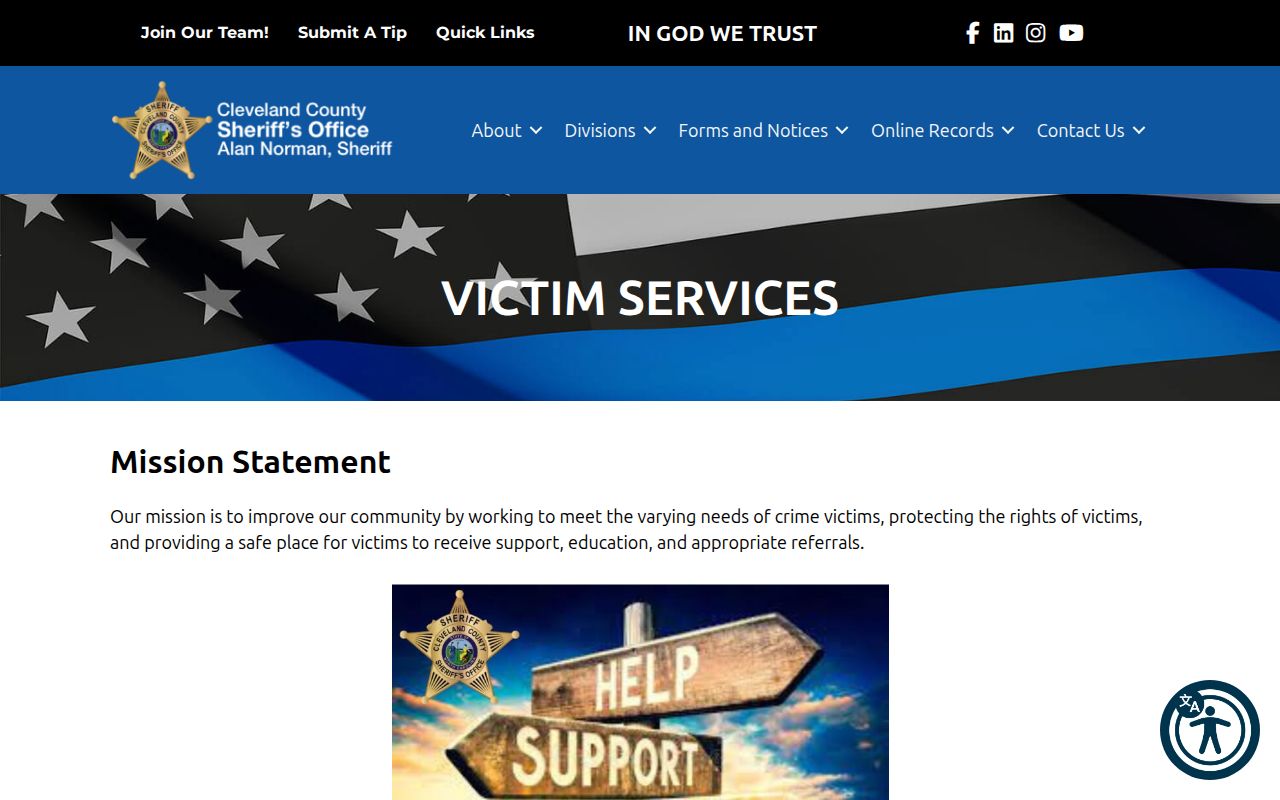
The county's official page anchors this local route before the statewide vendor search begins.
How to Run a Cleveland County VINELink Custody Check
Start with the person's full name. Add any custody or offender identifier you happen to know. Common names can return several Cleveland County results, so compare only the fields the official service shows and never assume a name alone proves identity.
- Open the official North Carolina VINELink search.
- Select the appropriate person or custody search category.
- Enter the name, or use a county-jail or state offender identifier when known.
- Use the state and county details offered by the search to narrow possible matches.
- Open the matching result and read the facility and custody-status information.
- If notification is needed, choose the Get Notified or registration option tied to that record.
No match? Try alternate spellings and identifiers first. Then check the official Cleveland County P2C roster for comparison. An absence on VINE can stem from sync delay, release, transfer, restricted data, or plain search error. That does not rule out an arrest. It does not rule out a custody event either. The North Carolina VINELink interface is the neutral statewide starting point for the check.

The VINELink search screen gives you a plain starting point for a Cleveland County custody lookup, with no private details shown.
What Cleveland County VINELink Results Can Tell You
VINELink handles one job: status and alerts. So read its fields narrowly, not as a full booking record for Cleveland County.
| Result item | What it means |
|---|---|
| Name or person match | A candidate identity that must be checked against other available details. |
| Custody status | The current or recent status available to VINE, subject to synchronization. |
| Facility | The institution or custody location associated with the result at that update. |
| Custody or offender ID | A stronger matching key when one is available. |
| Notification option | A way to request alerts for supported custody changes. |
| Release or transfer event | A status change notice, not a judicial finding or a complete release order. |
A VINE hit confirms someone is in custody. It does not confirm the charge. It also is not a mugshot source. To see the charge as booked, the arresting agency, the arrest date, or a booking sheet the office will release, go through the Cleveland County Sheriff or the public-record route. Case outcomes live elsewhere, with the Clerk or North Carolina eCourts.
Register for Cleveland County Custody Alerts
After a person search succeeds, you can sign up for alerts. Pick the notification option tied to the result you want. Then choose how to be reached. Phone, text, email, and TTY are the channels the official materials list. A four-digit PIN guards the setup. Keep it to yourself. You may need it to manage or confirm notices.
- Confirm the person and custody record before choosing notification.
- Select the release, transfer, or supported custody-change notification option.
- Enter the requested phone, text, email, or TTY contact route.
- Create the four-digit PIN and store it away from public notes.
- Complete the confirmation steps shown by VINELink.
- Keep the Sheriff's number available in case an urgent status must be verified directly.
North Carolina keeps a paper option too. The hard-copy notification form asks for relationship to the victim, custody type, and a county-jail or NCDPS number. It also wants the county of conviction and the crimes or cases tied to the request. A PIN and contact method go on it as well. Phone lines printed on the form include a 24-hour operator at 1-877-627-2826. Weekday victim services sit at 866-719-0108. The VINELink person workflow is faster online.
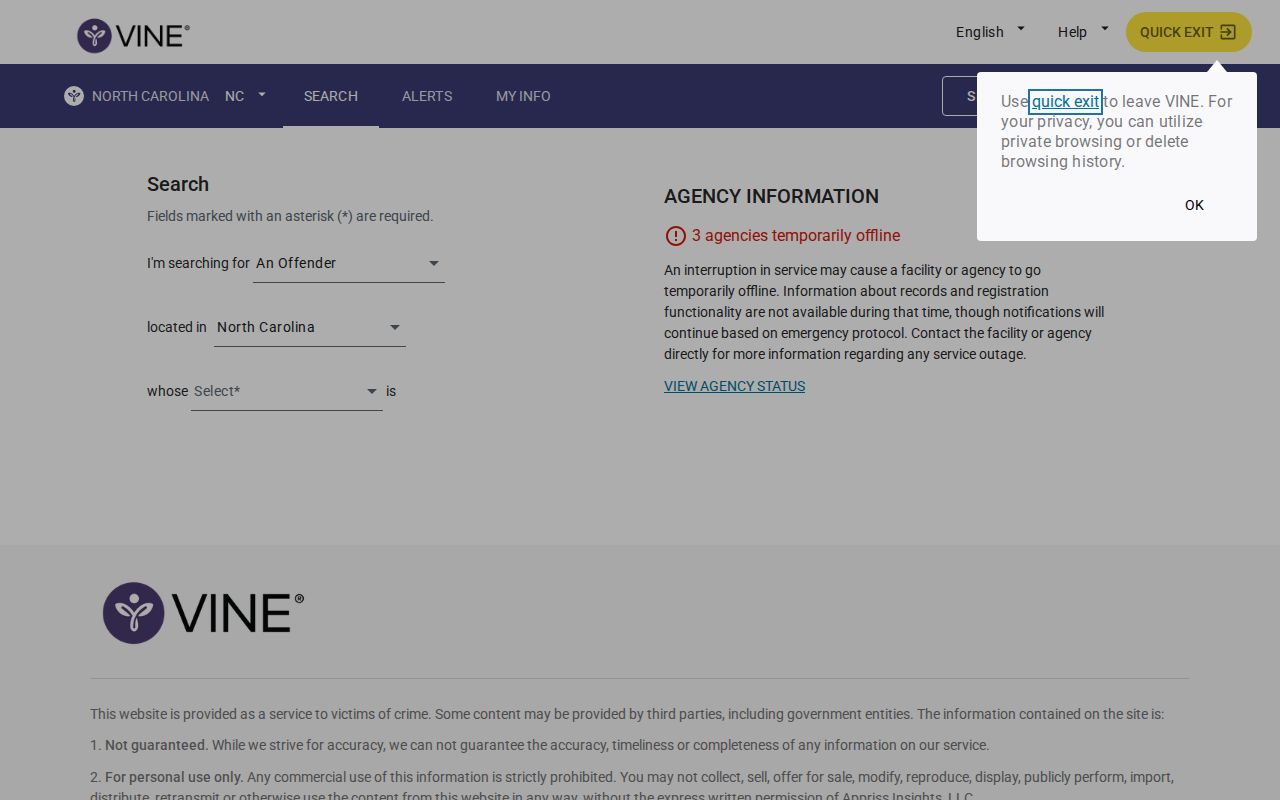
Registration depends on a matching record being found first.
What a Cleveland County VINE Alert Does
An alert saves you from refreshing a custody page all day. That is its core job. When something supported changes, like a release, transfer, or custody move, the notice arrives through whichever contact method you picked. NC SAVAN is free. Official materials also call it confidential. You never have to publish your contact details to register. Still, guard the PIN and those details carefully. One event can mean several things, since a person might move from county detention into state custody, to another county, or into the federal system. Transfer and release are not the same thing. Read the event description closely and confirm with the responsible facility whenever timing or safety matters.
When a Fresh Cleveland County Arrest Is Missing
VINE and the Sheriff's roster update separately. A fresh booking takes time to sync. Names can trip it up too. A misspelling or mismatched identifier will bury the correct result even when the person is in custody. Work the county tools in order. Start with the Sheriff's P2C Daily Bulletin for the event date, then move to P2C Inmate Inquiry for current county custody. The Cleveland County same-day arrest guide walks through that sequence.
For urgent status, call the Sheriff's non-emergency line at (704) 484-4822 or the Control Room at (704) 484-4888. Victim Services staffs (704) 476-3053 locally. Emergencies always go to 911, and none of these lines guarantees record copies, since a written request remains the path to an agency record.
Cleveland County detention spans two buildings, the Detention Center at 407 McBrayer Street and the Law Enforcement Detention Center at 100 Justice Place. Don't guess which one holds someone. Ask the Sheriff when exact placement matters.
VINELink Custody Limits Beyond Cleveland County
VINELink North Carolina stays inside state and county custody. It will not answer a federal prison question. For that, use the official Bureau of Prisons locator. Immigration cases run through a separate door, DHS VINE, when the person qualifies. Neither system promises a booking photo.
A North Carolina prison sentence is different from a county jail stay. The Department of Adult Correction search covers people serving state time. It also covers people on state supervision. A local arrest can also move to another county's jail. So a blank Cleveland County result settles nothing beyond that facility.
Custody Status Is Not the Cleveland County Case Outcome
Custody answers only part of the question. Release can follow bond, a court order, a completed sentence, or a transfer. A VINELink update just says something changed. It never explains the legal reason behind the move.
For hearings and case outcomes, turn to the North Carolina eCourts Portal. Then go to the Cleveland County Clerk. The Portal is a research tool, not the official court record. When the outcome truly matters, order the certified copy. The Sheriff's written public-record channel reaches the original agency file. Name the person, the date, the agency, and the record you want.